Color Inversion and Hue Rotation
OpenRV Web provides two simple but essential color manipulation tools: color inversion for negative film viewing and hue rotation for creative color shifting.
Color Inversion
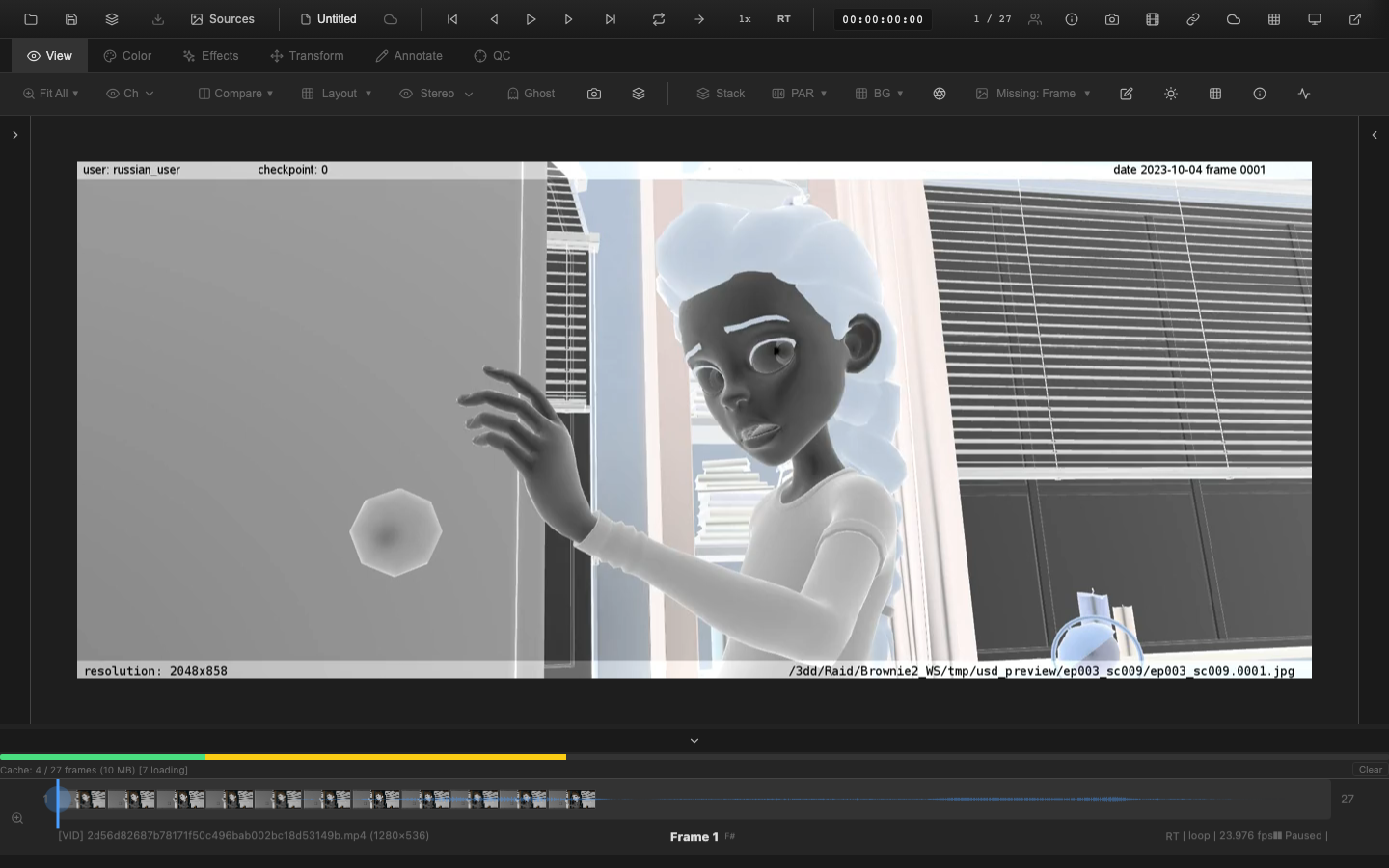
Color inversion applies a negation to each RGB channel: output = 1.0 - input. The alpha channel is preserved unchanged. This is equivalent to the negation matrix:
| -1  0  0 |       | 1 |
|  0 -1  0 | * c + | 1 |
|  0  0 -1 |       | 1 |
Use Cases
- Negative film scanning: When viewing scanned film negatives, inversion converts the orange-masked negative image into a positive representation for evaluation.
- Diagnostic viewing: Inverting an image can reveal detail in dark regions by making shadows bright and vice versa.
- Quality control: Spot dust, scratches, or artifacts that are difficult to see in the positive image.
Keyboard Shortcut
Press Ctrl+I to toggle color inversion on or off.
Pipeline Position
Inversion is applied at stage 9 in the rendering pipeline, after all color corrections (including tone mapping and display transfer) and before channel isolation. This late placement ensures the inversion operates on the final display-referred values.
Hue Rotation
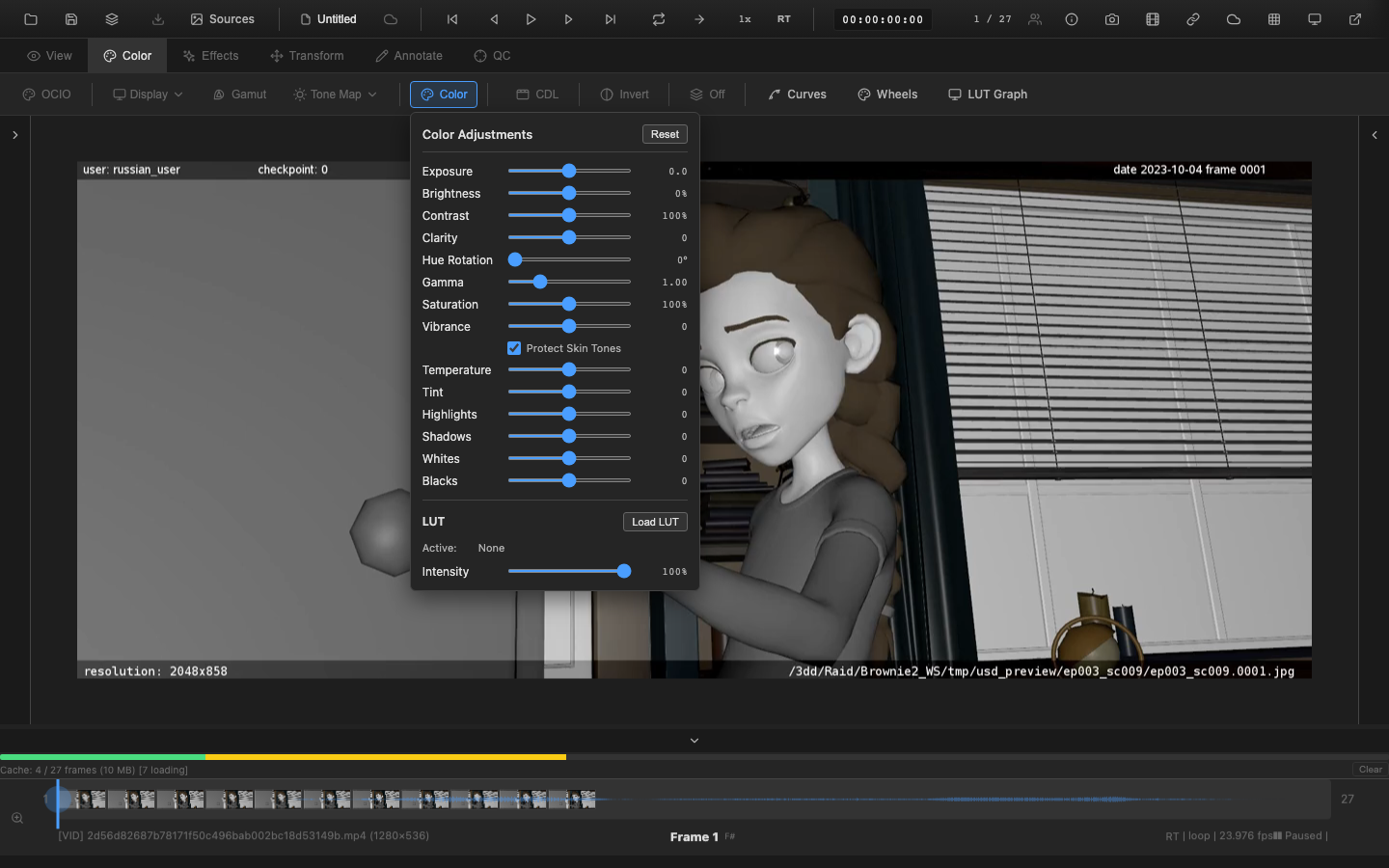
Hue rotation shifts all colors in the image around the color wheel by a specified number of degrees. The transform uses a luminance-preserving 3x3 matrix built from Rec. 709 luminance weights, ensuring that the perceived brightness of each pixel remains constant as its hue changes.
Properties
| Property | Value |
|---|---|
| Range | 0 to 360 degrees |
| Default | 0 (no rotation) |
At 0 (or 360) degrees, the matrix is the identity and no change occurs. At 180 degrees, all colors shift to their complementary hue (red becomes cyan, green becomes magenta, blue becomes yellow).
Key Properties of the Rotation Matrix
- Each row sums to 1.0, ensuring that neutral gray values remain gray at any rotation angle.
- Luminance (L = 0.2126R + 0.7152G + 0.0722B) is preserved for every input color.
- The matrix is computed once per rotation angle and cached for reuse.
Pipeline Position
Hue rotation is applied at stage 5d in the rendering pipeline, after saturation and before clarity and the color grading effects (wheels, CDL, curves). This placement allows hue rotation to operate on the primary-adjusted image before creative grading.
Related Pages
- Primary Color Controls -- exposure, saturation, and other primary adjustments
- HSL Qualifier -- selective hue shifting on qualified pixels only
- Rendering Pipeline -- inversion at stage 9, hue rotation at stage 5d