HSL Qualifier
The HSL Qualifier provides secondary color correction -- the ability to isolate and adjust a specific range of colors within an image without affecting the rest. Select a color region by hue, saturation, and luminance, then apply corrections only to the qualified pixels.
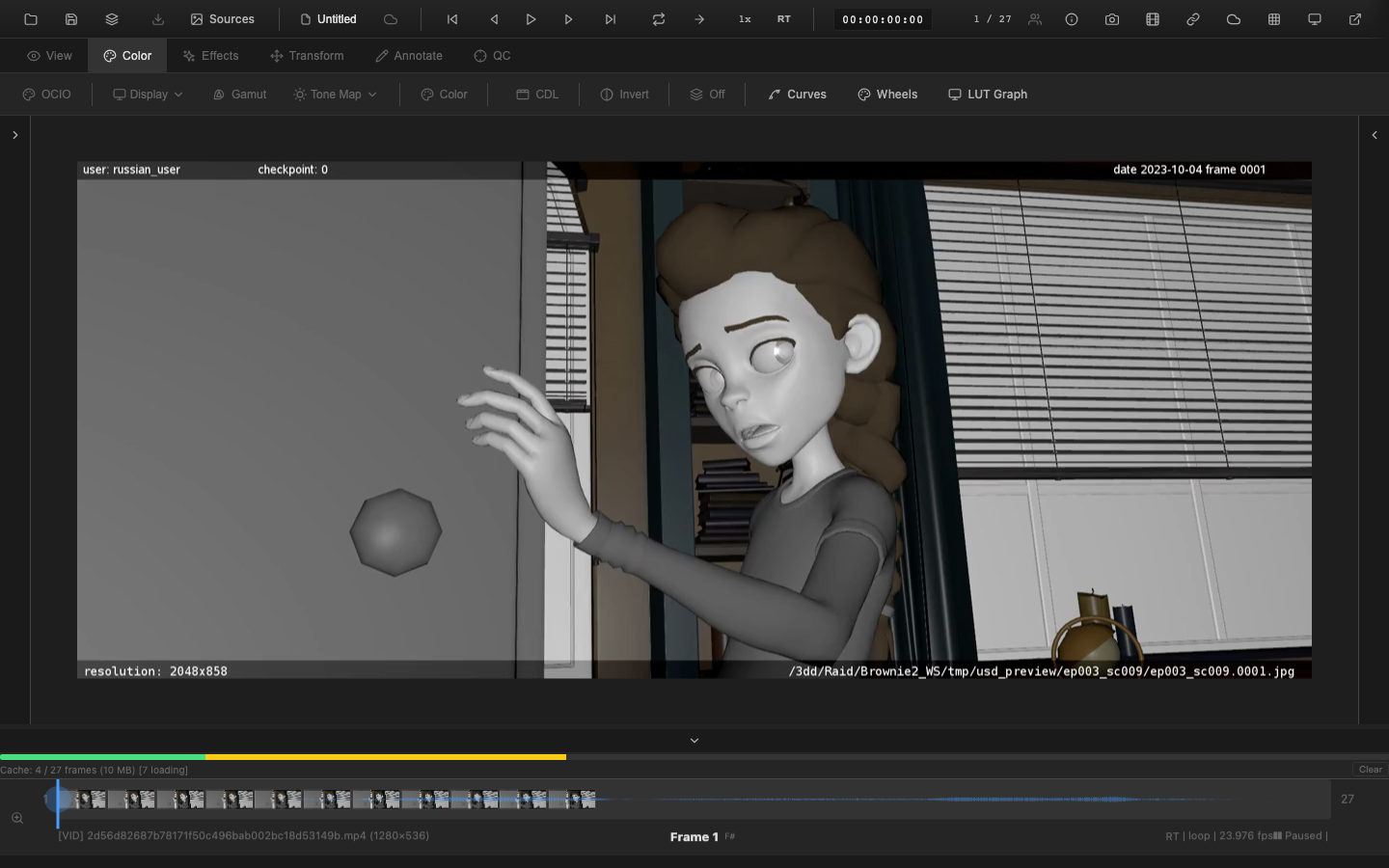
Opening the HSL Qualifier
Press Shift+H to toggle the HSL Qualifier panel. The panel is also accessible from the Color tab in the context toolbar.
Selection Controls
Hue, Saturation, and Luminance Ranges
Each qualifier axis has three parameters:
| Parameter | Description |
|---|---|
| Center | The target value (hue in degrees 0-360, saturation and luminance in percent 0-100) |
| Width | The range around the center that is fully selected |
| Softness | The falloff zone beyond the width, creating a smooth transition at selection edges |
The final qualification matte is the product of all three axes: matte = hueMatch * satMatch * lumMatch. Only pixels with a non-zero matte value receive corrections.
Eyedropper
Click the eyedropper tool, then click on a pixel in the viewer to automatically set the hue, saturation, and luminance center values to match that pixel's color. This provides a fast starting point before refining the width and softness parameters.
Corrections
Once a region is qualified, the following corrections apply to the selected pixels:
- Hue Shift (-180 to +180 degrees) -- rotates the hue of qualified pixels
- Saturation Scale -- multiplies the saturation of qualified pixels
- Luminance Scale -- multiplies the luminance of qualified pixels
Corrections are blended proportionally with the matte value, ensuring smooth transitions at selection boundaries.
Matte Preview
Enable Matte Preview to display the qualification matte as a grayscale image. White areas are fully selected, black areas are unaffected, and gray areas show partial selection. Use this view to verify the accuracy of the selection before applying corrections.
Invert Selection
Toggle the Invert checkbox to reverse the qualification matte. This selects everything except the qualified region, enabling corrections such as "desaturate everything except the subject's red dress."
Related Pages
- Primary Color Controls -- global color adjustments
- Color Wheels -- zone-based tonal correction
- Rendering Pipeline -- pipeline position of HSL qualifier (stage 6e)