Video Export
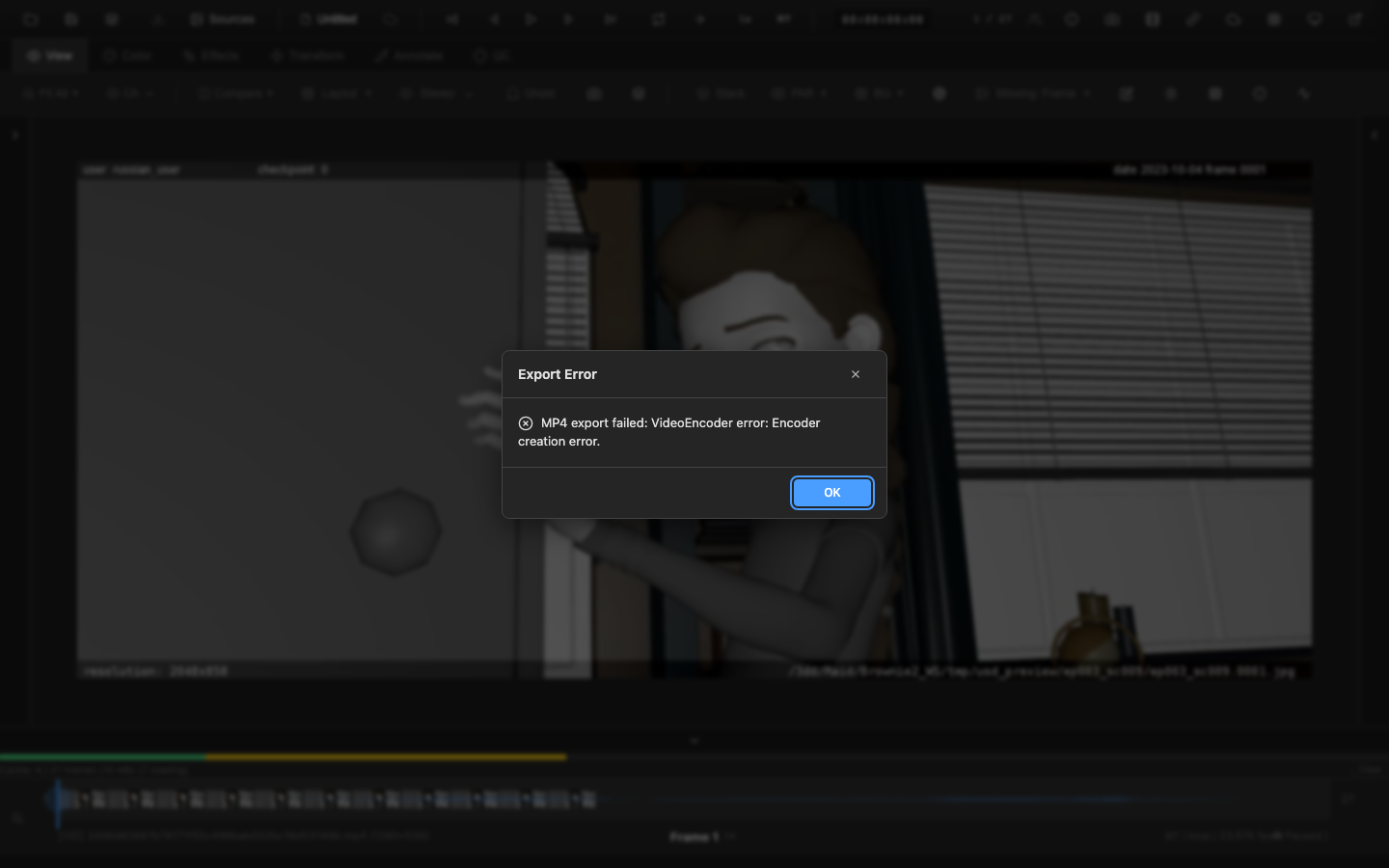
OpenRV Web encodes video files directly in the browser using the WebCodecs API. The exported video includes all color corrections, LUTs, tone mapping, and overlays as applied in the viewer.
WebCodecs Encoding
Video encoding uses the browser's built-in WebCodecs API, which provides hardware-accelerated encoding when available. No server-side processing is required -- the entire encode runs locally in the browser.
Supported Codecs
| Codec | Profile | Description |
|---|---|---|
| H.264 | Baseline, Main, High | Most compatible; plays on virtually all devices |
| VP9 | -- | Good compression, open standard |
| AV1 | -- | Best compression, newest standard |
Codec availability depends on the browser. H.264 is supported in all major browsers. VP9 and AV1 support varies.
Configuration Options
Bitrate
Set the target bitrate in bits per second. Higher bitrates produce better quality at larger file sizes. Typical values:
| Resolution | Recommended Bitrate |
|---|---|
| 1080p | 5--10 Mbps |
| 2K | 10--20 Mbps |
| 4K | 20--50 Mbps |
GOP Size
The Group of Pictures (GOP) size controls the interval between keyframes. Smaller GOP sizes produce more keyframes, enabling faster seeking but increasing file size. The default is suitable for most uses.
Hardware Acceleration
When available, the encoder uses hardware acceleration (GPU encoding) for faster processing. The preference can be set to:
- Prefer hardware -- use GPU encoding if available
- Prefer software -- force CPU encoding
- No preference -- let the browser decide
Output Format
Encoded video is muxed into an MP4 container using the built-in ISO BMFF (ISO Base Media File Format) muxer. The output is a single-track video file compatible with standard media players.
Export Process
- Configure the codec, bitrate, and other settings in the video export dialog
- Set the frame range (defaults to in/out points or full duration)
- Start the export
- A progress indicator shows the current frame and percentage complete
- When finished, the browser downloads the MP4 file
What Is Included
The exported video renders each frame through the full color pipeline:
- Color corrections (exposure, contrast, saturation, temperature, etc.)
- CDL and curves
- LUT application
- Tone mapping
- Filters (sharpen, noise reduction)
- Transform (rotation, flip, crop)
- Annotations (if visible)
- Slate and frameburn (if configured)
Performance
Export speed depends on:
- Source resolution
- Target codec (H.264 is typically fastest; AV1 is slowest)
- Hardware acceleration availability
- Number of frames
Hardware-accelerated H.264 encoding can process 1080p content at near real-time speeds on modern hardware.
Related Pages
- Frame Export -- export individual frames as images
- Slate and Frameburn -- add metadata overlays to video exports
- EDL and OTIO -- export edit decision lists
- Primary Color Controls -- color corrections baked into the export
- Exporting Annotations -- export annotations separately as JSON or PDF