False Color and Zebra Stripes
False color and zebra stripes provide visual overlays that map pixel luminance to colors or patterns, making exposure levels immediately visible without consulting numerical scopes. These tools are standard in cinematography and video production workflows.
False Color
False color replaces the image colors with a heatmap based on luminance, assigning a specific color to each exposure range. This makes it possible to evaluate exposure across the entire frame at a glance.
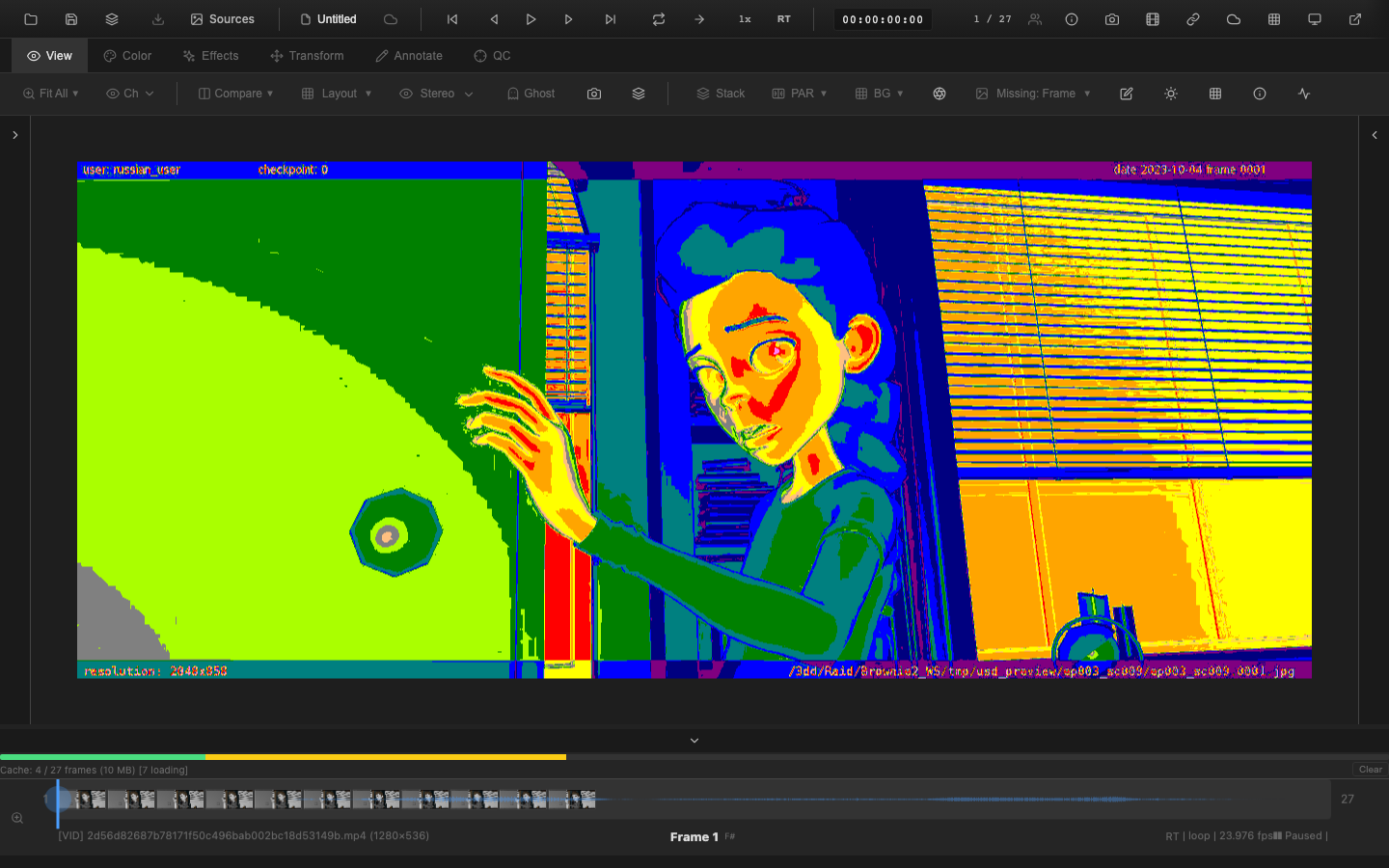
Enabling False Color
Press Shift+Alt+F to toggle false color display. The viewer switches from the normal image to the false color representation. Press Shift+Alt+F again to return to normal display.
Presets
OpenRV Web includes three false color presets:
Standard Preset
A general-purpose exposure map suitable for most review workflows.
ARRI Preset
Matches the false color scale used by ARRI cameras and their associated monitoring tools. This preset follows industry conventions that cinematographers are already familiar with:
| Color | Exposure Range |
|---|---|
| Purple / Blue | Underexposed (crushed shadows) |
| Green | Proper mid-tone exposure |
| Yellow | Highlights approaching clipping |
| Red | Overexposed (clipped highlights) |
RED Preset
Matches the false color scale used by RED camera monitoring. The color assignments differ from the ARRI scale, following RED's conventions.
Custom Presets
Custom false color presets allow defining specific color-to-exposure mappings for studio-specific or project-specific requirements. Select the Custom preset from the dropdown to reveal the range editor.
Each range maps a luminance band (0-255, corresponding to 0-100 IRE) to a color and label:
| Field | Description |
|---|---|
| Color swatch | Click to open a color picker for the range |
| Min | Minimum luminance value (0-255) |
| Max | Maximum luminance value (0-255) |
| Label | Human-readable name shown in the legend |
Use the + Add button to append a new range, or the x button to remove an existing one (at least one range must remain).
Programmatic access is also available:
falseColor.setCustomPalette([
  { min: 0, max: 50, color: [128, 0, 128], label: 'Crushed' },
  { min: 51, max: 128, color: [0, 128, 0], label: 'Mid' },
  { min: 129, max: 255, color: [255, 0, 0], label: 'Hot' },
]);
Calling setCustomPalette() automatically switches the active preset to Custom and rebuilds the lookup table. The custom palette persists when switching to a built-in preset and back.
Reading False Color
The key areas to watch:
- Skin tones should fall in the proper exposure range (typically green in ARRI scale)
- Highlights approaching yellow or red may need exposure reduction
- Shadows in deep purple or blue may lack detail
- Even distribution of colors indicates a well-balanced exposure
Zebra Stripes
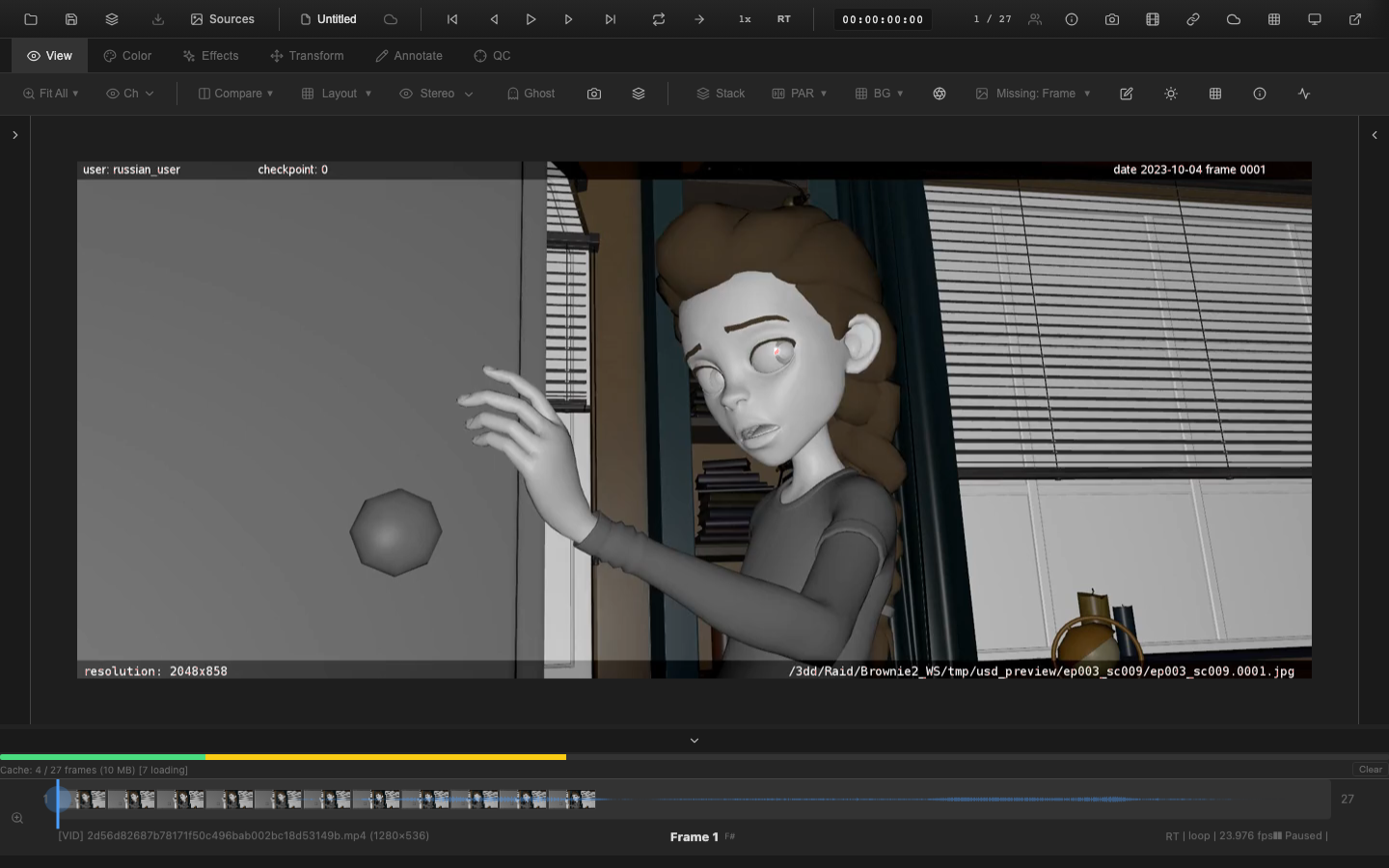
Zebra stripes overlay animated diagonal stripe patterns on image regions that exceed (or fall below) configurable IRE thresholds. They provide a more targeted warning than false color by highlighting only the problem areas.
Enabling Zebra Stripes
Press Shift+Alt+Z to toggle zebra stripes. The stripes appear directly on the image, overlaying the affected regions. Press Shift+Alt+Z again to disable.
Threshold Configuration
Two zebra levels are available:
| Zebra | Default Threshold | Purpose |
|---|---|---|
| High | > 95% IRE | Warns about overexposed (clipped) highlights |
| Low | < 5% IRE | Warns about underexposed (crushed) shadows |
The thresholds are configurable to match specific production requirements. For example, setting the high threshold to 90% IRE provides earlier warning before highlights clip.
Animation
The zebra stripes are animated with a diagonal pattern that moves across the affected regions. The animation makes the stripes visible even on detailed images where static overlays might blend with the content.
Luminance Heatmap
The luminance heatmap provides an alternative visualization that maps pixel luminance to a continuous color gradient. Unlike false color (which uses discrete color bands), the heatmap uses a smooth gradient for finer granularity.
Clipping Indicators
Separate from false color and zebra, the clipping overlay highlights pixels at absolute extremes:
- Red overlay on pixels at maximum value (blown highlights)
- Blue overlay on pixels at zero (crushed shadows)
This overlay can be used alongside the histogram's clipping percentage indicators for a complete picture of data loss.
VFX Use Case
On-set DITs and cinematographers use false color extensively during capture to verify exposure. When reviewing dailies, select the ARRI or RED preset to match the same false color scale the DP saw on set. This ensures that exposure discussions in dailies reference the same visual language used during production. Skin tones should appear green on the ARRI scale (approximately 40-50 IRE).
Pipeline Note
Zebra stripes at 95% IRE are the standard broadcast overexposure warning. For HDR content, you may need to adjust thresholds since HDR signals intentionally carry values above 100 IRE. When reviewing HDR dailies, raise the high zebra threshold or rely on false color to evaluate the extended highlight range.
Practical Tips
- Enable false color during exposure adjustments to see the effect in real time
- Use the ARRI preset if the footage was shot on an ARRI camera for consistent reference
- Zebra stripes at 95% IRE are useful during recording and review to avoid overexposure
- Combine zebra stripes with the waveform monitor for both visual and numerical exposure feedback
- Use the clipping overlay to quickly identify which specific pixels are at the extremes
Related Pages
- Histogram -- numerical exposure distribution with clipping percentages
- Waveform Monitor -- spatial luminance analysis
- Pixel Probe -- exact IRE readout at any pixel